Your Images Have No Alt Text. AI Search Cannot See Half Your Page
October 15, 2026
A founder showed me a newly launched website and asked, "It looks finished. Why is nobody finding it?"
The page looked complete to a human. Clean layout, polished images, strong copy.
The HTML told a different story. The image files were named image-1.png, most had no alt text, and the largest files were slowing the page down.
Your visitors may see a finished page. Search engines and answer engines may see half a page with missing context.
Alt text is a description, not a keyword field
Alt text tells screen readers and search systems what an image shows and why it matters.
Write it as one short, natural sentence.
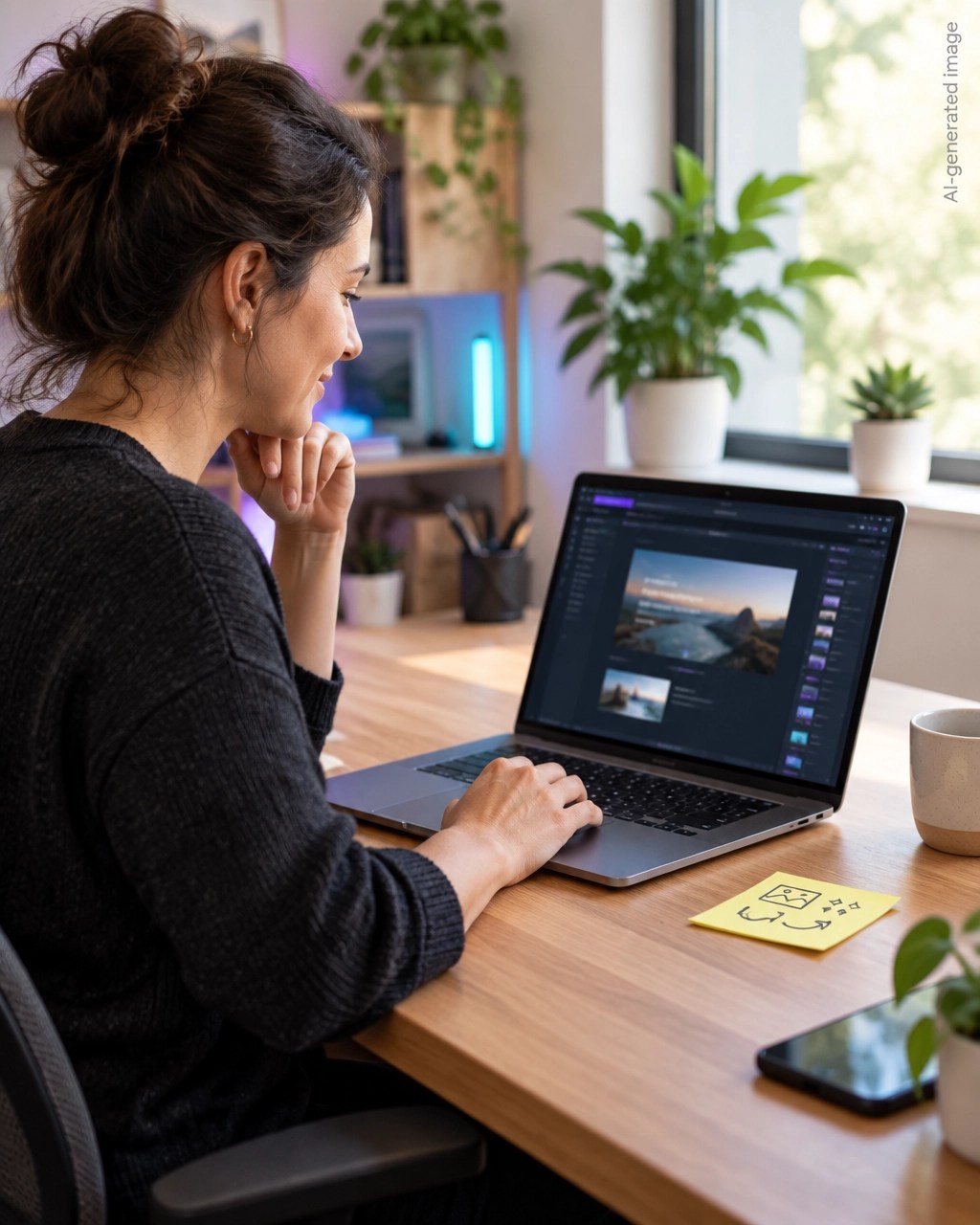
Good example: Solo founder reviewing website SEO issues on a laptop
Bad example: SEO SEO audit website SEO best SEO tool
Alt text is not a place to stuff keywords, a caption, or a file name.
Aim for 5 to 15 words, usually under 125 characters. Name the subject and its purpose. If the image shows a product, name the product. If it shows a process, describe the action.
Know when to leave alt text empty
Use descriptive alt text for meaningful images.
Use an empty alt attribute for decorative visuals that add no information, such as background shapes, dividers, or purely decorative icons:
<img src="purple-divider.webp" alt="">
Never write "decorative image" as the alt text. For charts and screenshots, put the main takeaway in nearby text.
File names give machines another useful clue
Replace vague names such as image-1.png or final-final-2.jpg.
Use descriptive, lowercase names separated by hyphens, such as solo-founder-seo-audit.webp. Keep the name accurate and skip keywords that do not describe the image.
Alt text, file names, headings, captions, and nearby paragraphs should support the same topic. This gives traditional search engines and answer engines a clearer explanation of the page.
That is one small part of answer engine optimization. AEO works best when your content answers questions clearly and gives systems enough context to identify the subject, purpose, and source.
Large images quietly damage rankings
AI-assisted builders often export images at their original camera or design size. A 4 MB hero image may look fine on a large monitor, but it creates unnecessary work for mobile visitors.
Optimize every image before uploading it.
- Convert photographs to WebP or AVIF.
- Compress without visible quality loss.
- Upload images close to their display size.
- Lazy-load below-the-fold images, never the hero.
- Set width and height attributes so the browser reserves space.
Width and height prevent Cumulative Layout Shift. Compression protects Largest Contentful Paint, two Core Web Vitals that affect mobile performance. See Google's image SEO guidance.
Bad image handling versus useful image handling
| ❌ Weak approach | ✅ Better approach |
|---|---|
image-1.png |
website-seo-audit-screen.webp |
| Missing alt text | One clear sentence describing the image |
alt="SEO SEO SEO" |
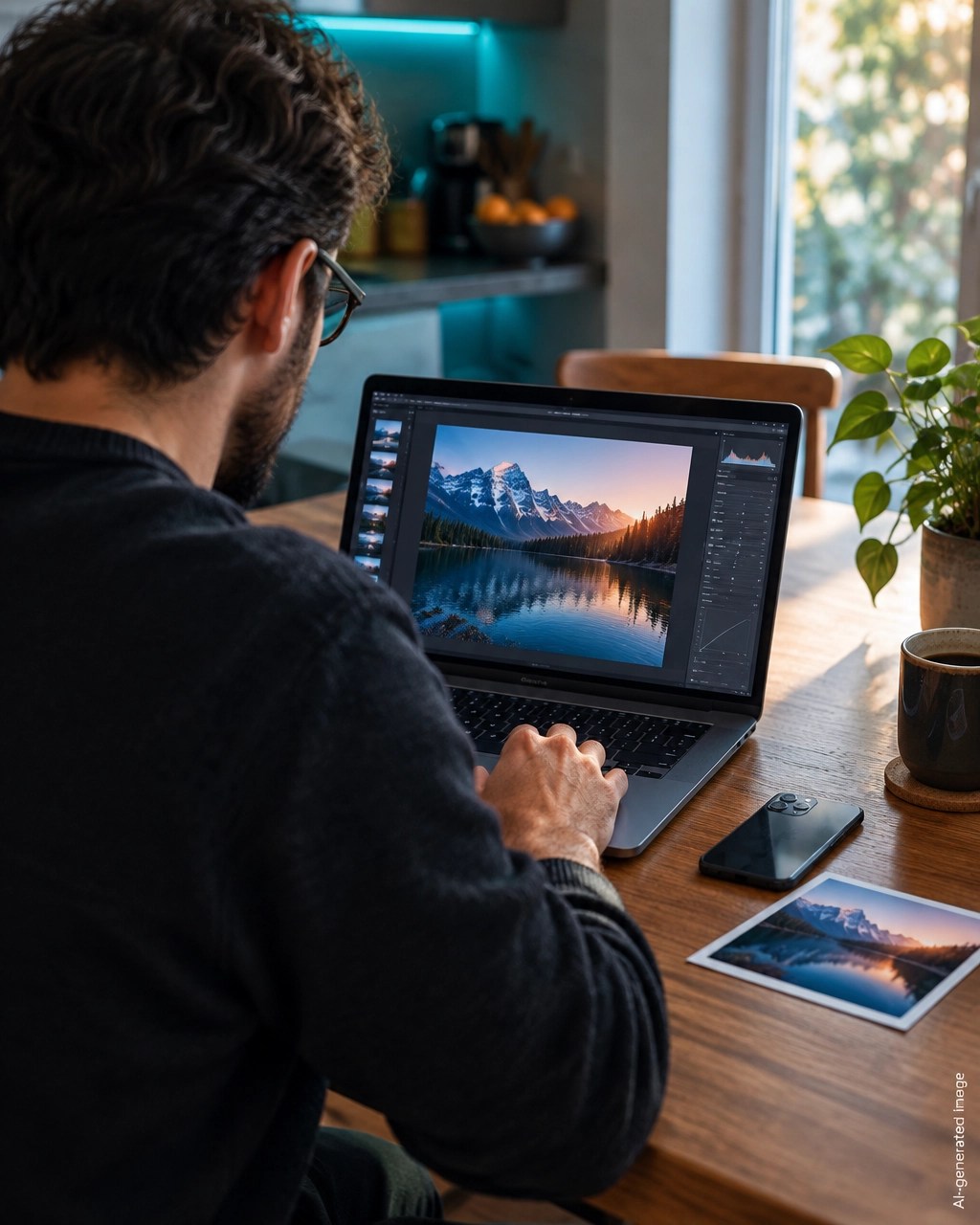
alt="Founder reviewing a website SEO audit" |
| 4 MB PNG for a photograph | Compressed WebP or AVIF |
| No width or height | Explicit dimensions to prevent layout shift |
| Lazy-loading the hero image | Load the hero quickly, lazy-load images below it |
| HTTP image on an HTTPS page | Serve every asset over HTTPS |
| Decorative image with a long description | Use alt="" |
| One huge image for every device | Responsive image sizes |
Run this 15-minute image SEO playbook
1. Find the gaps
Open your homepage and your three most important pages. Check every image for alt text in the media library.
2. Fix the valuable images first
Logo, hero, product, service, and team images. Write one sentence each and leave decorative images empty.
3. Rename new files
Use descriptive, hyphenated names. Do not rename files on established pages without redirects.
4. Compress and resize
Export photos as WebP or AVIF at the size visitors actually need. Check the file size after uploading.
5. Add dimensions and loading behavior
Confirm images include width and height. Use loading="lazy" only below the fold.
6. Follow your platform’s path
- WordPress: Media, select the image, fill in Alternative Text.
- Shopify: Open the image, choose Edit alt text.
- Webflow: Select the image element, add Alt Text.
- Wix: Image Settings, add alt text under accessibility.
- AI builder export: Search the exported files for
<img, add an accuratealt, setwidthandheight, and lazy-load images below the fold.
7. Check HTTPS before you launch
An HTTPS page should load images from HTTPS URLs. An HTTP image on an HTTPS page creates mixed content.
Browsers may block the image or show warnings. A blocked hero image damages trust, changes the layout, and can weaken performance.
This is also a security issue. Fix the image URL, update the CMS asset, or replace the old external source.
Check the result, then fix the next issue
Run a free website SEO audit when you finish. The report shows exactly how many images are missing alt text, along with your other on-page SEO ranking factors.
The Free Tools page adds the Meta Tag Generator, the Schema Markup Generator, and the SEO/AEO analyzer. Every Smart Analytics tool works as a free SEO audit tool and a free AEO audit tool, with no login, no email, and no paywall.
Security has its own separate Vulnerability Check. It flags mixed content and other weaknesses. Findings stay private and appear only in your downloadable PDF report.
Frequently asked questions
Is alt text a Google ranking factor?
Alt text helps search engines understand images and supports image search visibility. Treat it as one of many on-page SEO ranking factors, not a shortcut.
How long should alt text be?
One short sentence, usually under 125 characters. Describe what matters, not every visible object.
Should decorative images have alt text?
No. Use an empty alt attribute, alt="", so assistive technology can skip them.
Can alt text improve visibility in answer engines?
Yes. Clear alt text gives answer engines extra context about your page. Combine it with strong surrounding copy, descriptive file names, and fast HTTPS delivery for better AI search optimization.
Want to see how your site scores?
Run Free Audit →Get our insights in your Google feed
Follow Smart Analytics and see our latest tips highlighted in Google Search and AI Overviews.