Your Images Are Invisible to Search: A 10-Minute Fix for AI-Built Sites
September 21, 2026
AI-generated image
A founder recently told me, “My site looks finished, but nobody can find the product images.”
That is common with fast AI-built and no-code websites. The page looks polished to a person, but search engines and answer engines often receive almost no useful information about the images.
If your files are named IMG_4821.jpg, your alt text is missing, and your screenshots contain private data, your site has both a visibility problem and a launch-readiness problem.
Here is the 10-minute fix.
Why search engines skip your images
Google Images cannot understand every visual detail the way a person can. It uses nearby text, file names, alt text, captions, page structure, image dimensions, and other signals to understand what an image represents.
ChatGPT, Perplexity, and Google AI Overviews also need clear page information before they can select, describe, or cite an image in an answer.
An image is harder to retrieve when it has:
- A meaningless filename such as
IMG_4821.png - A generic filename such as
hero-final-v3.png - No alt text
- Alt text stuffed with keywords
- No caption or useful surrounding copy
- A very large file that slows the page
- Missing width and height attributes
- No connection to the key point on the page
This does not mean one missing caption automatically prevents ranking. It means you are removing the signals that help Google and answer engines understand the image.
For answer engine optimization, treat every important image as supporting evidence. Explain what it shows and why it matters.
The 10-minute image optimization playbook
AI-generated image
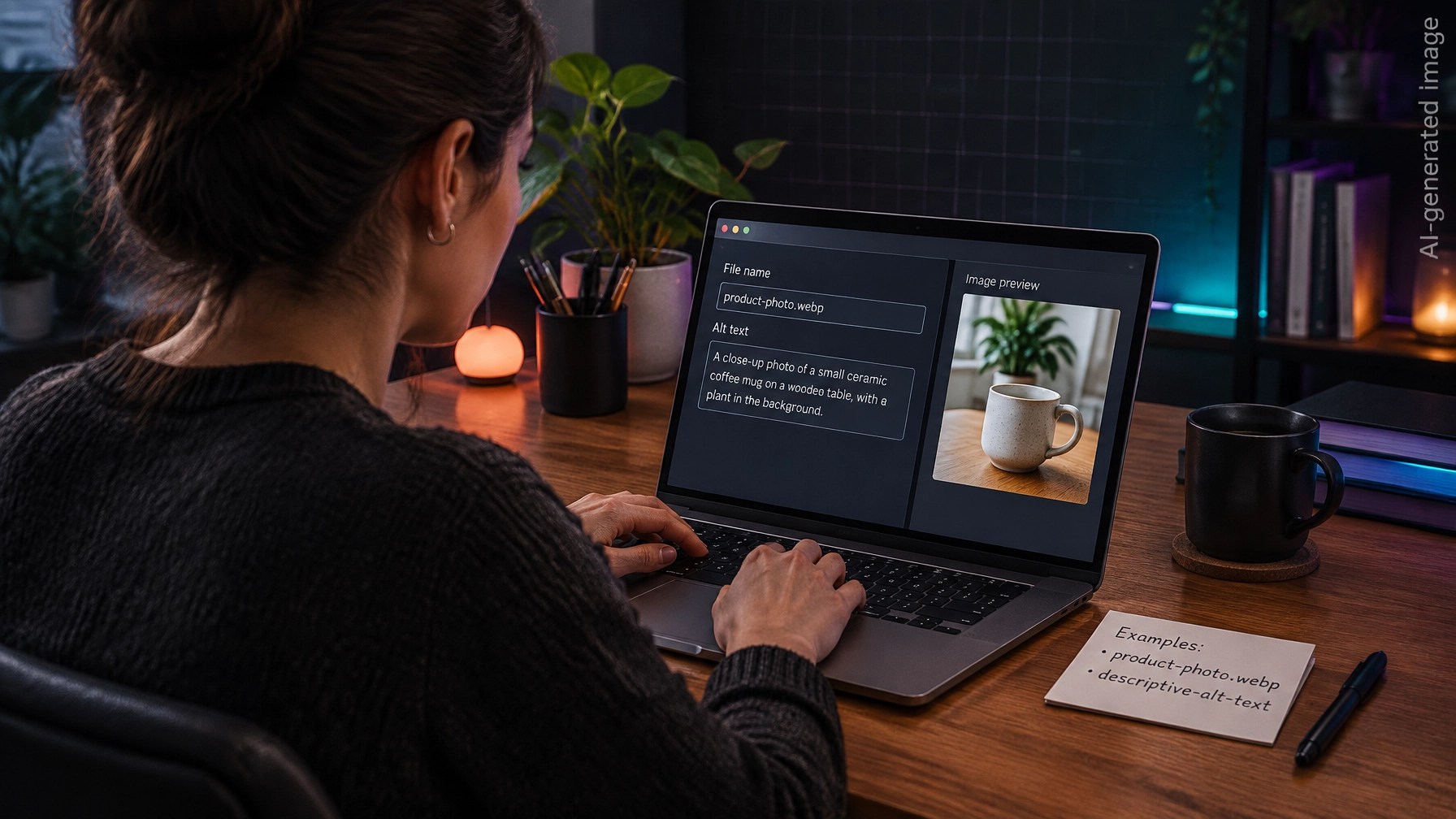
Minute 1: Rename the file
Replace the default filename with a short, descriptive phrase.
❌ IMG_4821.png
❌ hero-final-v3.png
✅ small-business-product-photo.webp
✅ founder-adding-image-alt-text.webp
Use lowercase words separated by hyphens. Include the real subject, not every possible keyword.
A descriptive filename helps Google Images and other systems connect the asset to the page topic. It also makes your media library easier to maintain.
Minutes 2 to 4: Write useful alt text
Describe what the image shows, then add one plain-language benefit when it fits naturally.
Basic formula:
Subject + useful detail + reader benefit
Example:
Solo founder adding alt text to a product photo so search engines can understand the image
Avoid writing “image of” or repeating the same keyword several times.
❌ SEO image SEO alt text SEO optimization image
✅ Founder adding descriptive alt text to a product photo
Keep alt text concise and specific. If the image is purely decorative, use empty alt text instead of forcing a description.
Minute 5: Add a short caption
Alt text helps accessibility and image understanding. A caption gives visible context to every reader.
Example:
Descriptive filenames and alt text help connect a product image with the page topic.
Do not write a paragraph below every image. One clear sentence is enough.
Place the image near the section it supports. Use one image for one key point instead of adding five unrelated stock photos to the same section.
Minutes 6 and 7: Compress and convert
Export the image as WebP where your site platform supports it. Compress it until the image still looks clear on a normal screen.
Large images can slow down your Largest Contentful Paint and make the page feel unfinished. That affects user experience and can weaken your broader SEO foundation.
Practical defaults:
- Use WebP for most website images
- Keep hero images around 1,200 pixels wide or more when quality matters
- Avoid uploading a 6,000-pixel phone photo for a 600-pixel content block
- Use AVIF if your platform handles it reliably
- Keep important images sharp enough for mobile and large previews
Minute 8: Correct the width and height
Add explicit width and height attributes, or use a CSS aspect ratio.
This tells the browser how much space to reserve before the image loads. It reduces layout movement and helps prevent content from jumping as the page renders.
Your image should also use an appropriate aspect ratio. Avoid extremely tall or wide images unless the format is essential.
Minutes 9 and 10: Check the page and the file
Open the page in a private browser window and check:
- Does the image load quickly?
- Does the alt text describe the correct subject?
- Is the filename meaningful?
- Is the caption accurate?
- Are the dimensions correct?
- Does the surrounding text explain why the image is there?
- Is the image visible to users and crawlers?
- Does the image contain private information?
Then run a fresh audit after publishing your changes.
What most AI-built sites ship versus what engines can read
| Area | ❌ Most AI-built sites ship | ✅ Search and answer engines can read |
|---|---|---|
| Filename | IMG_4821.png |
online-course-dashboard-preview.webp |
| Alt text | Missing or keyword stuffed | Natural description of the subject |
| Caption | None | One short sentence explaining context |
| File format | Huge PNG or phone original | Compressed WebP or AVIF |
| Dimensions | Browser discovers them late | Width, height, or aspect ratio provided |
| Placement | Random decorative image | One relevant image beside one key point |
| Page context | Image unrelated to nearby copy | Nearby text explains the image |
| Privacy | Screenshots expose secrets | Public-safe image reviewed before upload |
This is a practical SEO ranking factor because it improves crawlable context, page speed, accessibility, and usability at the same time.
It is also part of AI search optimization. Clear supporting media makes it easier for an answer engine to understand what your page demonstrates.
The security check most founders skip
AI-generated image
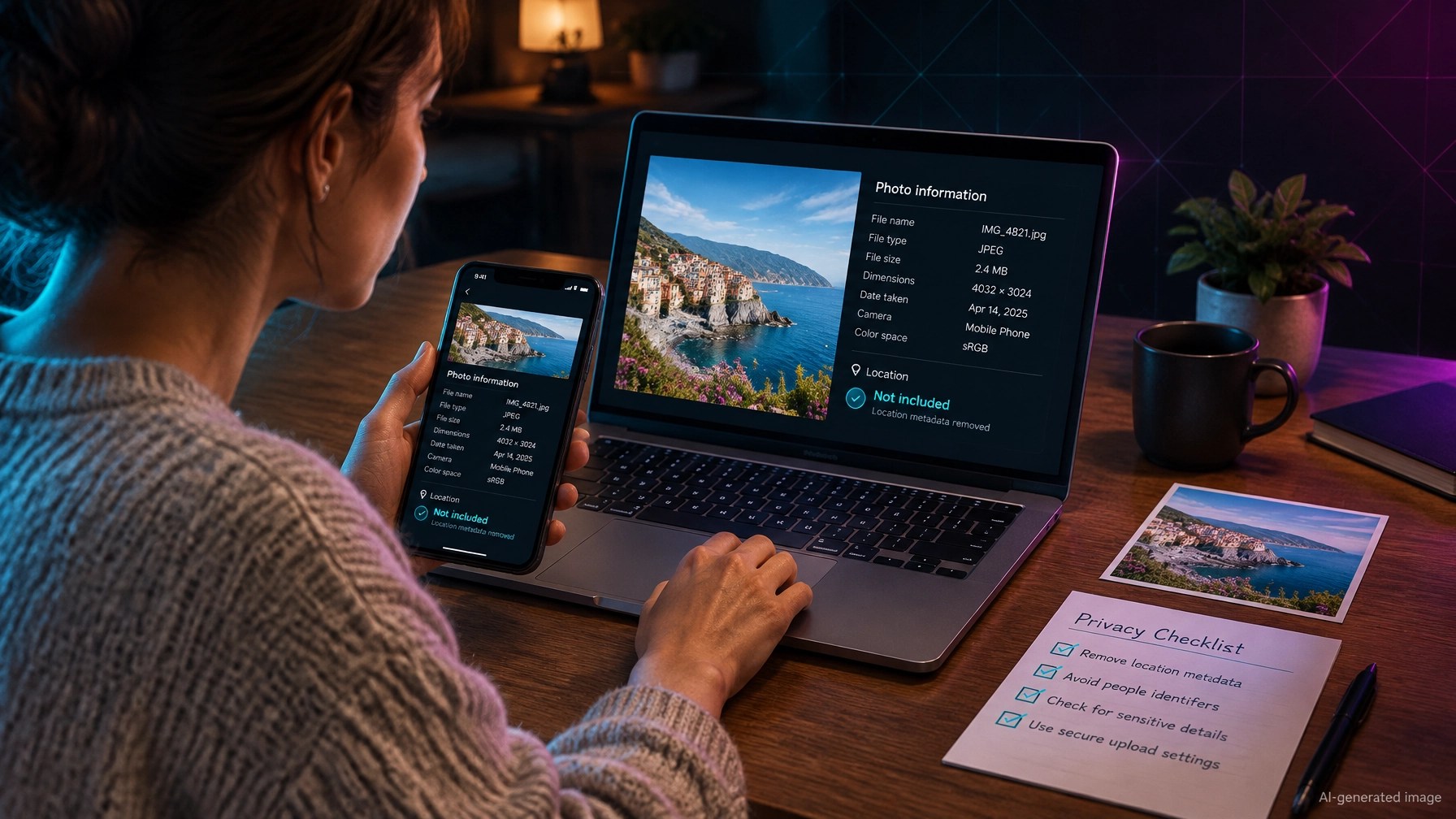
Images are not always just pixels.
Photos from phones can contain EXIF metadata, including:
- GPS coordinates
- Capture date and time
- Phone model
- Camera settings
- Editing software
- Account or device traces
Before publishing a personal, customer, location, or workplace photo, strip sensitive EXIF data. Keep copyright or provenance information when appropriate, but remove private location and device details that the public does not need.
Also inspect screenshots carefully.
Do not upload screenshots that reveal:
- API keys
- Passwords or access tokens
- Admin URLs
- Internal hostnames
- Customer names or email addresses
- Private analytics
- Database errors
- Unreleased product details
A fast AI-built site can look ready while its image folder remains exposed. Check that upload directories do not allow directory listing. A public folder should serve known assets, not provide a browsable index of every file uploaded during development.
This is where launch readiness and security meet. Fixing alt text takes minutes, but discovering an exposed secret after launch can take much longer.
Use images as evidence, not decoration
Before publishing, match each important image to a question your reader has.
❌ Add a generic laptop photo because the page looks empty.
✅ Add a product photo that proves what the product looks like.
❌ Use one image with vague alt text across several sections.
✅ Use one specific image for each important claim.
❌ Hide the meaning in the image alone.
✅ Repeat the essential context in nearby text and a caption.
This supports traditional search, Google Images, and chatgpt SEO ranking without trying to manipulate an answer engine. It also gives Perplexity more useful context when it retrieves and summarizes your page for perplexity SEO optimization.
A quick launch checklist
AI-generated image
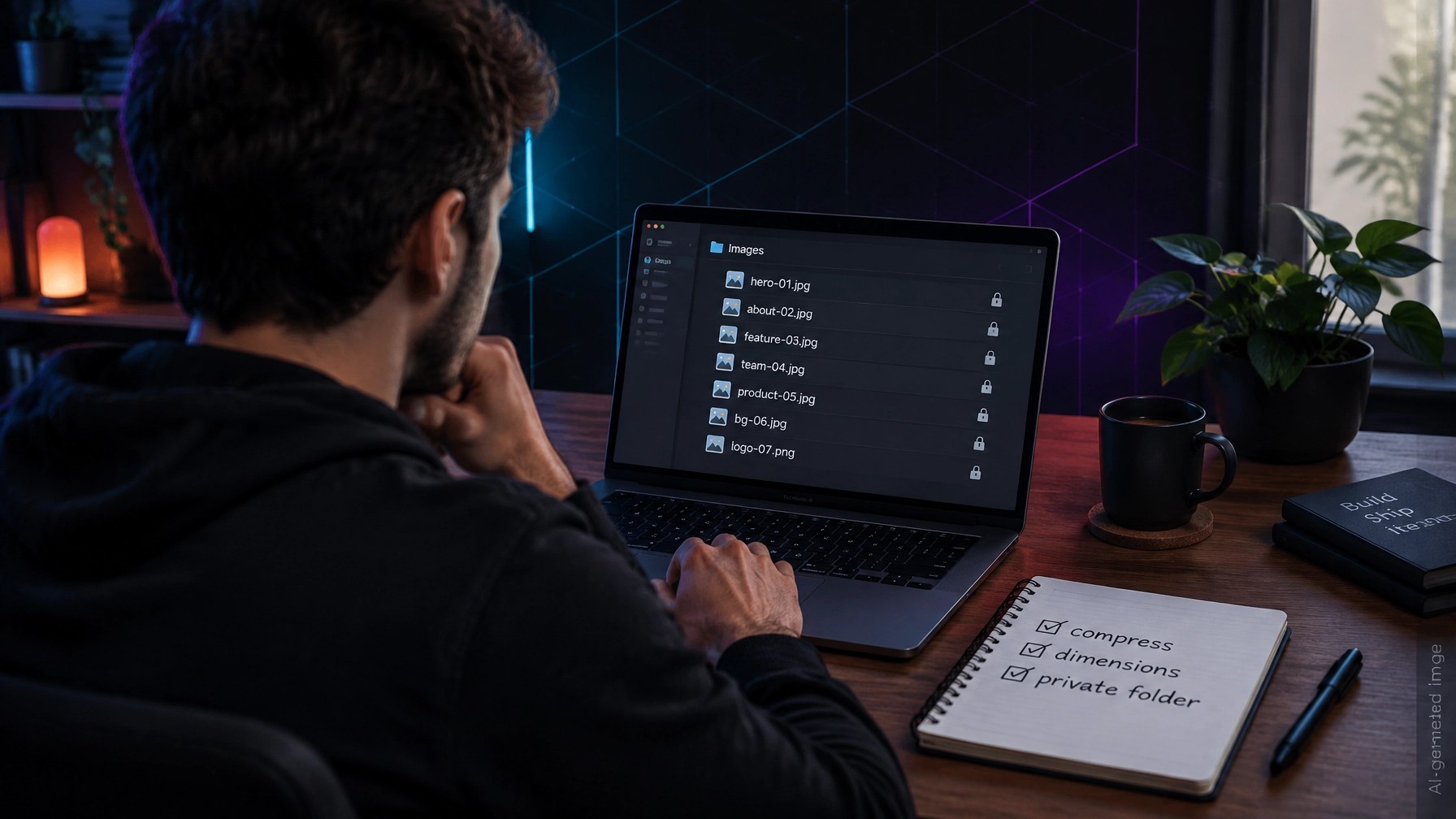
Before you call an AI-built or no-code site finished:
- Rename every important image with real words.
- Write unique alt text for each meaningful image.
- Add a short caption where context would help.
- Convert large files to WebP or AVIF.
- Set width and height or a stable aspect ratio.
- Place each image beside the point it supports.
- Strip sensitive EXIF metadata.
- Inspect screenshots for keys, URLs, and customer data.
- Disable directory listing on upload folders.
- Run a website SEO audit and vulnerability check after launch.
Frequently asked questions
Does alt text help images appear in Google Images?
Yes. Descriptive alt text helps Google understand an image, especially when it matches the filename, page topic, nearby text, and caption. It does not guarantee a ranking.
Can ChatGPT and Perplexity understand website images?
They can use image-related context when retrieving and summarizing web pages. Descriptive filenames, alt text, captions, surrounding text, and structured data make the image easier to interpret. Good image optimization supports answer engine optimization, but no platform guarantees inclusion.
Should I remove all image metadata?
Remove sensitive EXIF information such as GPS coordinates and device traces. Preserve copyright or provenance details when they are useful and safe to publish.
What should I fix first?
Rename the file, add accurate alt text, compress the image, and inspect it for private information. These are fast fixes that improve both visibility and launch safety.
Your free next step
If you want to check the rest of the site without hiring a developer, run the free SEO/AEO analyzer. It checks image alt text coverage along with titles, headings, schema markup, robots.txt, sitemap signals, page speed, security headers, and other SEO ranking factors.
Use the same page’s Vulnerability Check to look for exposed files, leaked credentials, missing protections, and other security issues. The detailed findings are kept private in the downloadable PDF. There is no login, email, paywall, or credit card required.
For quick fixes, the Smart Analytics features and Free Tools page includes the:
- Meta Tag Generator
- Schema Markup Generator
- Robots.txt Generator
- llms.txt Generator
- Search Console Regex Library
You can also use the AEO guide to improve answer structure and the methodology page to see how the audit works.
Every tool is free to use, including the full reports. Start with the images, then verify the rest of the site before you launch.
Want to see how your site scores?
Run Free Audit →Get our insights in your Google feed
Follow Smart Analytics and see our latest tips highlighted in Google Search and AI Overviews.