The 10-Minute Launch Checklist for a Vibe-Coded Website
October 20, 2026
Someone recently told me, “The site is live, so I guess launch is finished.”
That is the risky part.
A website built with vibe coding, AI-assisted tools, or a no-code platform can go from idea to public URL in an afternoon. Speed is useful, but unreviewed code can also ship with exposed files, leaked credentials, weak security settings, missing SEO signals, and content that answer engines cannot understand.
Use this 10-minute launch checklist before you promote your website.
You do not need to be a developer. You need one browser, a private browsing window, and a clear order of operations.
What this checklist covers
| Area | Launch question | Why it matters |
|---|---|---|
| Security | Can visitors access files, secrets, or private pages? | Exposed credentials and outdated software create avoidable risk. |
| SEO | Can Google crawl, understand, and index the site? | Missing titles, blocked pages, and slow loading hurt visibility. |
| AEO | Can answer engines extract and trust clear answers? | Good structure improves AI search optimization and citation potential. |
| User experience | Can a real person complete the main action? | A technically visible site still fails if forms or buttons do not work. |
❌ Ship immediately: “The builder said it was ready.”
✅ Launch responsibly: “The public version passed a quick security, SEO, AEO, and usability check.”
The 10-minute launch playbook
Minute 1: Open the live site in a private window
Open your website in an incognito or private browser window.
Check the homepage as a visitor who is not logged in. Confirm that:
- The correct domain loads.
- The page uses HTTPS.
- The main headline explains what you offer.
- The primary button works.
- No staging label, test content, or builder branding appears.
- The mobile layout does not break when you narrow the browser.
Open two or three important pages directly from the navigation. Test your contact form, checkout, booking flow, signup form, or lead magnet.
Fix first: broken buttons, blank sections, visible test data, and forms that do not submit.

Minute 2: Look for exposed files and credentials
Fast-built websites sometimes publish files that should remain private.
Try opening these common paths by adding them to your domain:
/robots.txt/sitemap.xml/.env/.git/config/backup.zip/config.json/admin/dashboard
A public robots.txt and sitemap are normal. A public .env file, backup archive, configuration file, or private dashboard is not.
Inspect the page source and browser developer tools if you are comfortable doing so. Search loaded JavaScript files and network responses for terms such as:
API_KEYSECRETPASSWORDTOKENDATABASE_URLSTRIPE_SECRETSUPABASE_SERVICE_ROLE
Never place private service keys in browser code. Public client identifiers may be acceptable for some services, but secret keys must stay on the server.
Also search your builder or coding assistant chat history. If you pasted a real password or production key while troubleshooting, rotate it before launch. Deleting the message does not guarantee the credential is safe.
Do not launch if: a private key, password, database string, or service-role credential appears in public code.
Minute 3: Run a vulnerability check
A quick security review should be part of every website launch, even for a simple landing page.
Check for:
- Missing HTTPS protections.
- Missing security headers.
- Exposed environment files.
- Backup files.
- Leaked credentials.
- Outdated JavaScript libraries.
- Unsafe forms.
- Weak cookie settings.
- Server version leaks.
- Admin links exposed in the navigation.
Use the Vulnerability Check from Smart Analytics as a fast second opinion. It checks public website signals for exposed files, leaked secrets, missing protections, outdated software, cookie issues, and form risks.
The scan is completely free. It requires no signup, email, login, paywall, or developer account. Specific vulnerability details remain private in the downloadable report.
❌ Assume a landing page is safe because it has no login.
✅ Check it anyway because exposed files, keys, headers, and outdated libraries can affect any public site.
Minute 4: Confirm the main page has proper SEO basics
Search engines need clear page signals.
Check the homepage and your most important landing page for:
- One clear, descriptive title tag.
- A useful meta description.
- One primary H1 heading.
- Logical H2 and H3 headings.
- Descriptive image alt text.
- A visible business name and explanation.
- Internal links to important pages.
- A fast mobile experience.
Match the title to the page’s actual purpose. Include the main topic naturally near the beginning.
For example:
❌ Home | Acme
✅ Affordable Bookkeeping for Freelancers | Acme
Write a meta description that explains the audience, offer, and benefit. Do not copy the same description across every page.
If your builder does not provide a clean way to create these fields, use the Meta Tag Generator. It creates title, description, Open Graph, and Twitter Card tags with copy-ready output.
Minute 5: Check crawlability, robots.txt, and sitemap settings
A beautiful website cannot rank if search engines are blocked.
Check that:
- Important pages do not contain a
noindexdirective. - Public CSS, JavaScript, and images are not blocked.
- Private admin or staging areas are blocked.
/robots.txtloads correctly./sitemap.xmlexists.- The sitemap contains only live, canonical pages.
- Your preferred domain uses HTTPS consistently.
Use the Robots.txt Generator to create a clean starting file. Use the llms.txt Generator to provide a structured overview of your important content for systems that retrieve and summarize information.
Do not use robots.txt to hide confidential information. Robots instructions are not a security control. Protect private files with proper access controls, remove them from production, or prevent them from being uploaded.
Minute 6: Add structured data
Schema markup helps search engines understand what a page represents. It can also improve how answer engines interpret your organization, articles, products, services, and navigation.
Choose schema that matches visible content. Common options include:
Organizationfor a business homepage.ArticleorBlogPostingfor a blog post.Productfor a product page.LocalBusinessfor a local company.BreadcrumbListwhen breadcrumbs appear on the page.
Do not add fake reviews, invisible FAQs, or schema claims that visitors cannot verify.
Use the Schema Markup Generator to create JSON-LD without writing it from scratch. Add the output to the correct page, then validate it before publishing.
❌ Add every schema type available.
✅ Add accurate schema that describes the page users can actually see.
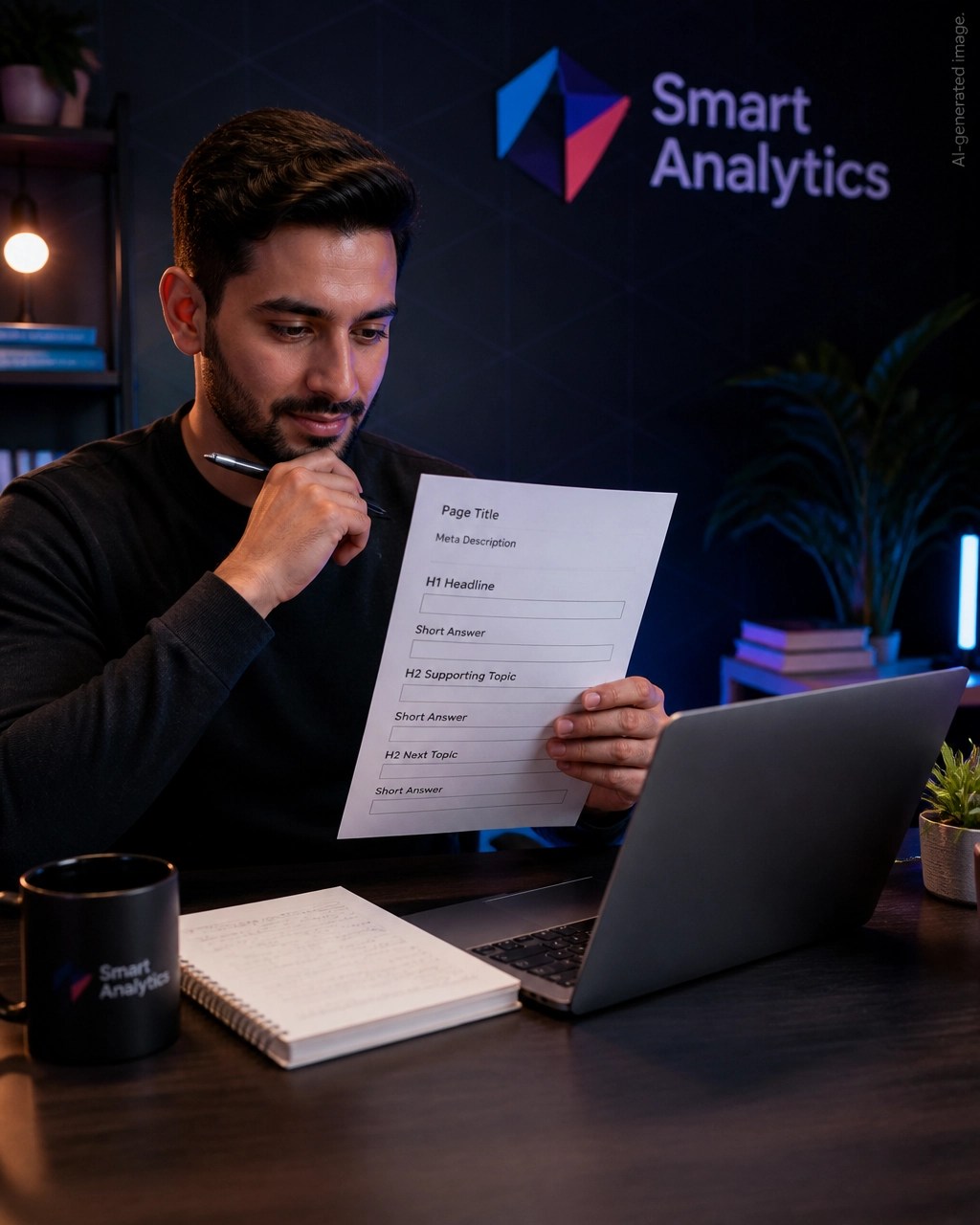
Minute 7: Make the content answer-first
Answer engine optimization starts with direct answers.
Review your homepage and key service pages. Make sure each major section answers a real question in plain language.
Use headings such as:
- What does this service do?
- Who is it for?
- How much does it cost?
- How does the process work?
- Is customer data secure?
- What happens after I submit the form?
Start each section with a concise answer before adding context.
❌ “In today’s changing business environment, there are many things to consider when choosing a provider.”
✅ “We provide monthly bookkeeping for freelancers and small businesses, including transaction reviews, reconciliations, and financial reports.”
Name the subject clearly. Replace vague words such as “it,” “they,” and “this solution” with the actual business, service, product, or organization name.
Include dates, author information, qualifications, specific processes, and useful facts where appropriate. These signals help people and answer engines judge whether your content is worth trusting.
Review the AEO guide for a deeper answer engine optimization playbook.
Minute 8: Add the right internal links
Link important pages together using descriptive anchor text.
For example:
✅ Explore the SEO and AEO knowledge hub
Link your homepage to your main service, pricing, about, contact, and educational pages. Link blog posts to the service or tool they support.
Internal links help visitors move through your site. They also help search engines discover pages and understand how topics relate to one another.
For Search Console analysis, use the Search Console Regex Library. It includes copy-ready filters for questions, commercial queries, long-tail searches, brand terms, local searches, and natural-language queries. You can paste the patterns directly into the Google Search Console Performance report.
Minute 9: Test speed and mobile usability
Open the site on your phone, not only in a desktop preview.
Check that:
- Text is readable without zooming.
- Buttons are easy to tap.
- No section creates horizontal scrolling.
- Images load without shifting the page.
- The largest image is compressed.
- Cookie banners and popups do not cover the main content.
- The primary action is visible quickly.
Vibe-coded sites often include too much JavaScript, oversized images, animation libraries, or unused components. Remove anything that does not support the visitor’s next action.
Performance is one of many SEO ranking factors, but it also affects conversions. A visitor who waits for a slow page may leave before reading your offer.
Minute 10: Run the complete SEO and AEO audit
Finish by checking the live URL with a full Smart Analytics SEO/AEO analyzer.
The analyzer checks more than 30 website factors, including:
- HTTPS and SSL.
- Mobile viewport settings.
- noindex directives.
- Page load signals.
- Title and meta description quality.
- H1 and heading structure.
- Image alt text.
- Internal and external links.
- Schema markup.
- robots.txt.
- XML sitemap.
- Open Graph tags.
- Security headers.
- Content depth.
- Author and date signals.
- Answer-first structure.
- Entity clarity.
- Citation worthiness.
- Semantic completeness.
The full report is free every time. There is no signup, email, login, credit card, paywall, or stored account history. Results remain in your browser, and you keep the report.
Use the result to fix the highest-impact issues first. Then scan again after making changes.

Your launch decision
Use this simple rule:
| Result | Action |
|---|---|
| Critical security issue | Do not promote the site. Rotate credentials, remove exposed files, and fix access controls. |
| Blocked indexing | Correct noindex, robots.txt, sitemap, or privacy settings before expecting organic traffic. |
| Weak SEO signals | Improve titles, descriptions, headings, links, images, and page speed. |
| Weak AEO structure | Add direct answers, clear entities, useful sections, dates, authorship, and accurate schema. |
| No critical issues | Launch, monitor Search Console, and review the site again after major updates. |
A fast launch is a competitive advantage only when the public version is safe, crawlable, understandable, and useful.
Run the Smart Analytics Free Tools before you share the link. Use the Meta Tag Generator, Schema Markup Generator, Robots.txt Generator, llms.txt Generator, Search Console Regex Library, SEO/AEO analyzer, and Vulnerability Check as one practical launch kit.
Everything is completely free. No signup. No email. No login. No paywall. No data stored.
Frequently asked questions
Is vibe coding safe for launching a website?
Vibe coding can be safe when you review the public result before launch. Check for exposed files, leaked credentials, weak access controls, outdated software, missing security headers, broken forms, and accidental staging content. Do not assume a builder or coding assistant has completed a security review.
What should I check first, SEO or security?
Check security first. A leaked credential, exposed database file, or public admin route is more urgent than an imperfect title tag. After confirming there are no critical security issues, review crawlability, on-page SEO, answer engine optimization, and performance.
What is the fastest free SEO audit tool for a new website?
Use a free website SEO audit tool that checks technical, on-page, performance, schema, and crawlability signals together. The Smart Analytics analyzer also includes AEO checks and can be used without signup, email, login, or a paywall.
Does schema markup improve answer engine optimization?
Accurate schema markup gives search systems additional context about your organization, article, product, or service. It does not guarantee rankings or citations, but it supports clearer entity understanding when combined with useful, answer-first content.
Should robots.txt hide private files?
No. robots.txt is for crawl instructions, not confidential data protection. Remove private files from the public server and use proper authentication or access controls for anything that must remain private.
Want to see how your site scores?
Run Free Audit →Get our insights in your Google feed
Follow Smart Analytics and see our latest tips highlighted in Google Search and AI Overviews.