Nothing Links to Your Best Page. The 15-Minute Internal Linking Fix for Vibe-Coded Sites
October 25, 2026
AI-generated image.
“I built the page, but Google still does not seem to know it exists.”
I hear this often from solo founders who launch sites with an AI builder or no-code tool. The page looks finished. The copy is useful. The URL loads correctly.
Then they inspect the site and find the real problem: nothing links to the page.
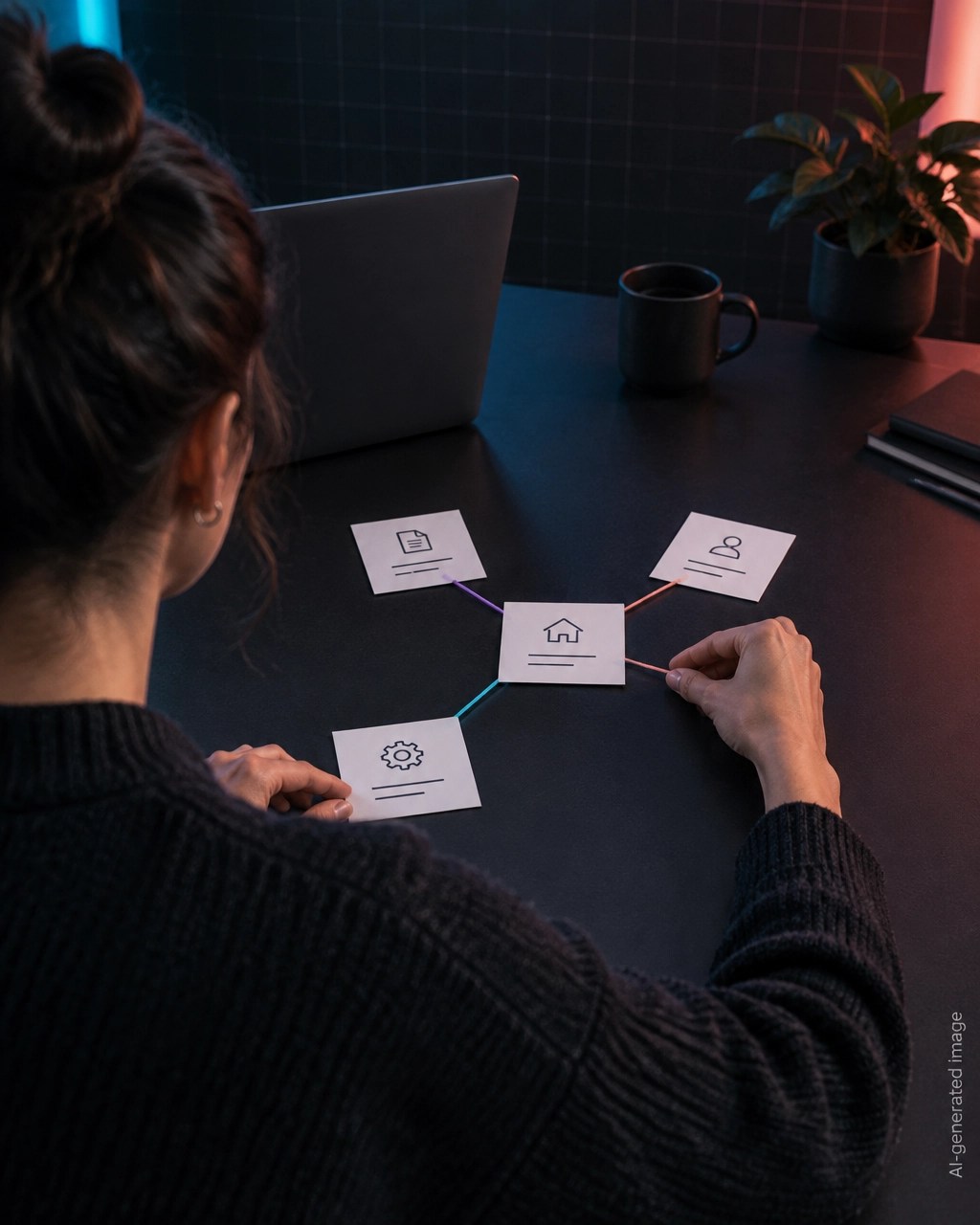
That page is an orphan page. It exists, but it is disconnected from the rest of the website.
For a fast AI-built site, this can happen easily. Each new page gets generated in isolation. The builder creates the URL, layout, and content, but it does not always add links from the homepage, navigation, or related pages.
The fix usually takes 15 minutes.
Why an orphan page matters
Google uses links to discover pages, understand relevance, and evaluate how content fits together. Google’s own documentation recommends giving every page you care about a link from at least one other page on your site.
Internal linking also helps answer engines understand your website.
An AI crawler does not only look at one page. It follows available paths, compares related content, and builds a picture of which pages support which topics. A page with no inbound links has less context in that structure.
That can reduce:
- Discovery: Crawlers may not reach the page through normal navigation.
- Importance: The page receives no internal authority from other pages.
- Topic clarity: No anchor text explains what the page covers.
- AI visibility: Answer engines have fewer signals connecting the page to relevant questions.
- User flow: Visitors cannot naturally find the page after reading related content.
An orphan page may still be found through a direct URL, an external link, or other discovery systems. It is not invisible forever.
It is simply working without the strongest path into your site.
AI-generated image.
Find orphan and weakly linked pages
You do not need to be a developer to find the biggest problems.
Start with your most valuable pages:
- Your main product or service page
- Your pricing or booking page
- Your strongest guide
- Your best-converting landing page
- Your most useful free resource
- Pages targeting important search questions
Create a simple list in a notebook or spreadsheet.
For each page, answer three questions:
| Question | What to look for |
|---|---|
| Does another page link to it? | At least one clear internal link |
| Is the link relevant? | The source page discusses a related topic |
| Is the anchor descriptive? | It explains the destination instead of saying “click here” |
A page is probably orphaned if you cannot name one existing page that links to it.
A page is probably weakly linked if it only appears in a footer, generic menu, or isolated button. A weak link may technically exist, but it gives users and crawlers little topical context.
You can also run important URLs through the free SEO/AEO analyzer. It checks the submitted page for technical SEO issues, including internal and external link counts, structured data, and other factors affecting search visibility.
Remember the limitation: a single-page analyzer can show links on that page. It cannot prove that every other page links back to it. Use the report with your page list and a quick manual review.
The 15-minute internal linking fix
1. Choose one page that deserves attention
Pick one page that has business value or answers an important customer question.
Do not start by linking every page to every other page. Choose the page most likely to help your business if more people find it.
Examples:
- A service page that should generate leads
- A tutorial that demonstrates your expertise
- A comparison page for visitors close to making a decision
- A tool or resource that supports your main offer
2. Find the best source page
Choose a page that already receives visitors and is closely related to the target.
Good source pages include:
- The homepage
- A main service page
- A popular guide
- A category or resource hub
- A page that already ranks for a related topic
Use the homepage when the target page is a top business priority. Use a hub page when the target belongs to a specific subject cluster.
A relevant contextual link is usually more useful than adding another item to a crowded footer.
3. Write a descriptive anchor
Do not use:
- ❌ Click here
- ❌ Read more
- ❌ This page
- ❌ Learn more
Use:
- ✅ Free website SEO audit
- ✅ Internal linking guide for AI-built sites
- ✅ Technical SEO checklist for solo founders
- ✅ Schema markup generator
- ✅ AI search optimization playbook
The anchor should tell the reader what they will find next. Keep it natural and reasonably short. Do not force every keyword into one link.
Google specifically recommends descriptive, relevant anchor text because it helps users and search systems understand the destination.
4. Add the link in a real sentence
Place the link where it supports the surrounding content.
Example:
Before publishing a new landing page, run a free website SEO audit to check its internal links, structured data, and other technical SEO signals.
This is stronger than adding a disconnected button that says “Learn more.”
If you are editing HTML, use a normal anchor tag:
<a href="/your-important-page">
  descriptive page topic
</a>
The important parts are:
- A real
<a>element - A valid
href - Visible anchor text
- A URL that loads without requiring a click event
Avoid relying only on:
<button onclick="openPage()">
  Read more
</button>
A JavaScript click handler may work for a person using the site, but it is not the same as a reliable crawlable link. Google states that it can generally crawl links implemented as HTML anchor elements with an href attribute.
This is one of the simplest technical SEO checks you can make on a vibe-coded site.

AI-generated image.
5. Link related pages to each other
Do not stop after linking to the target page.
Build a small topic path:
- A broad hub page links to the detailed guide.
- The detailed guide links to a related service or tool.
- The related service links back to the guide where useful.
For example:
- Homepage → SEO resources
- SEO resources → Internal linking guide
- Internal linking guide → Free SEO/AEO analyzer
- Free SEO/AEO analyzer → Technical SEO methodology
This gives visitors multiple ways to continue. It also gives crawlers clearer evidence that the pages belong to the same subject area.
Keep the path useful. Do not add links simply to increase a number.
Check the fix before you move on
Open the source page in a private browser window.
Then verify:
- The link appears without requiring an account.
- The link opens the intended URL.
- The anchor text accurately describes the destination.
- The link is visible on mobile.
- The destination page links to at least one related page.
- The link is not hidden inside a JavaScript-only interaction.
- The page does not use
nofollowfor a normal internal link.
Now run the target page through the free SEO/AEO analyzer. Review the page-level report for link counts, structured data, and technical issues.
Do not expect one new link to guarantee rankings or citations. Internal linking improves the structure that search engines and answer engines can read. Content quality, relevance, trust, and technical accessibility still matter.
Re-check after your AI builder regenerates the site
This step matters more for AI-built websites than for many traditional sites.
When you ask a builder to redesign a page, change the navigation, or regenerate a section, it may remove links that were added manually. A new component can also replace a standard anchor with a button or JavaScript action.
After every major regeneration:
- Open the homepage.
- Open your main hub pages.
- Check links to your highest-value pages.
- Test important links on mobile.
- View the page source if possible.
- Run a fresh analyzer check.
Keep a small “must stay linked” list for your most important pages. This takes less time than discovering months later that a valuable page became isolated.
AI-generated image.
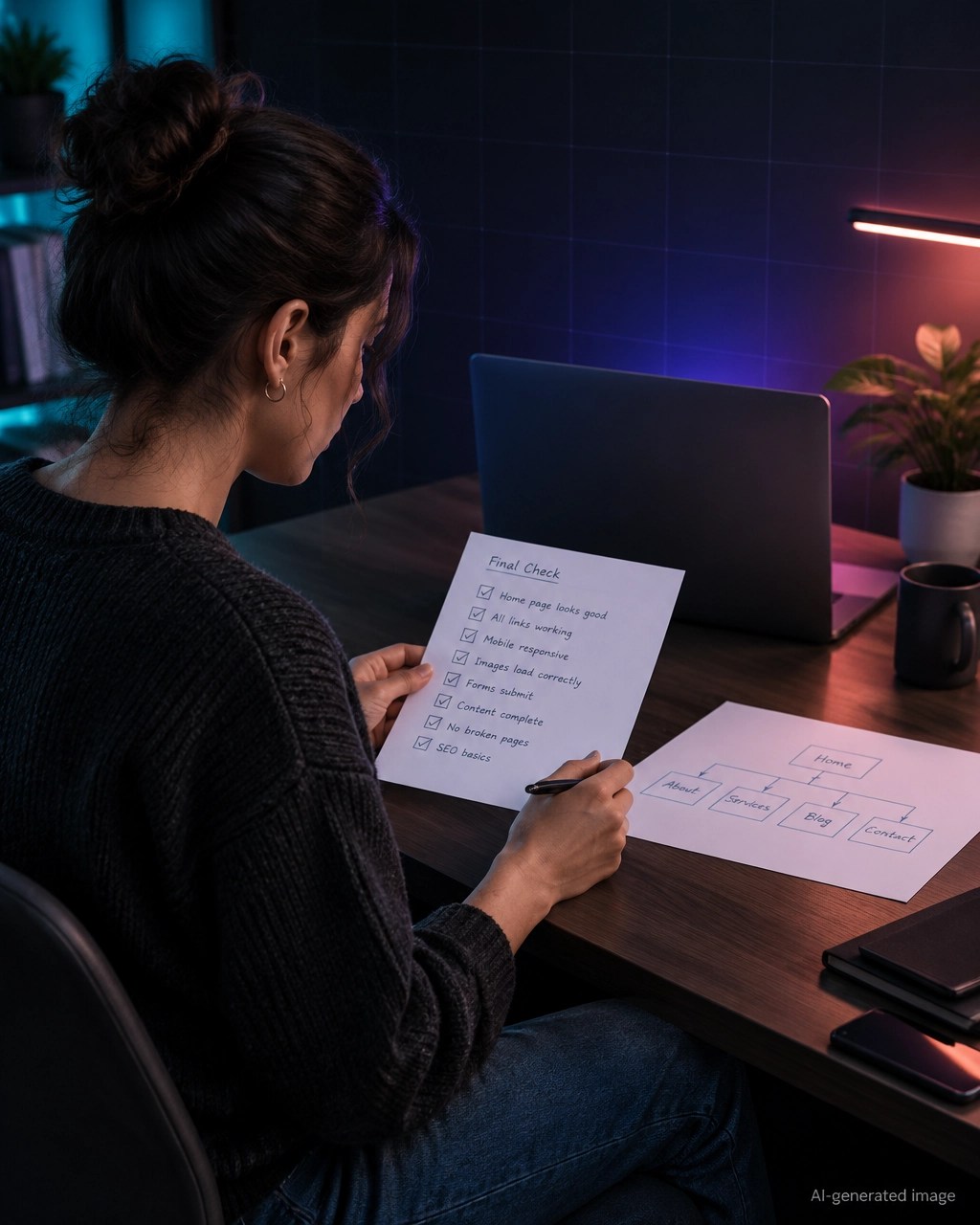
Your 15-minute checklist
- Choose one valuable page.
- Confirm whether another page links to it.
- Select a relevant homepage, hub, or guide as the source.
- Add one descriptive internal link.
- Link related pages together.
- Use a real HTML
<a href>link. - Avoid “click here” and generic anchor text.
- Test the destination.
- Re-run the page check.
- Re-check after the next AI builder update.
Internal linking is a small fix with a large practical benefit. It helps people move through your site, helps Google discover and interpret important pages, and gives answer engines a clearer path through your expertise.
For a fast second opinion, use the Smart Analytics Free Tools page. It includes the Meta Tag Generator, Schema Markup Generator, Robots.txt Generator, llms.txt Generator, Search Console Regex Library, and the free SEO/AEO analyzer.
You can also run the free website vulnerability check to look for exposed files, leaked secrets, missing protections, and other security issues that can hide inside quickly generated code.
Everything is free. There is no login, no email requirement, and no paywall.
Want to see how your site scores?
Run Free Audit →Get our insights in your Google feed
Follow Smart Analytics and see our latest tips highlighted in Google Search and AI Overviews.